One of the best media players
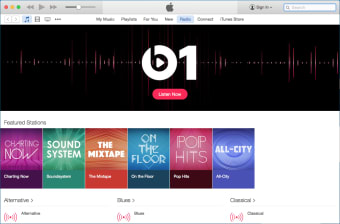
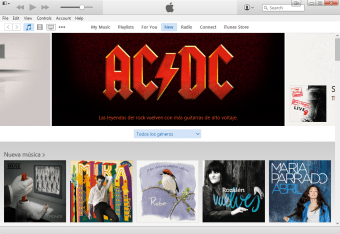
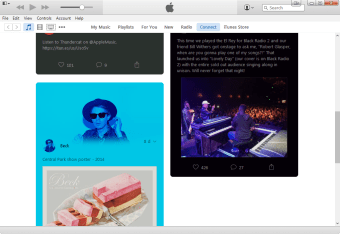
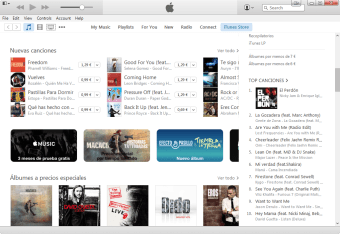
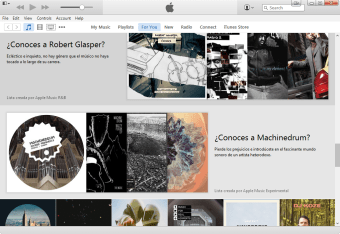
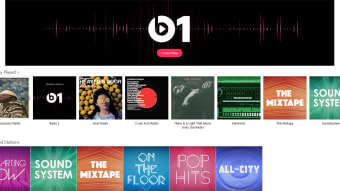
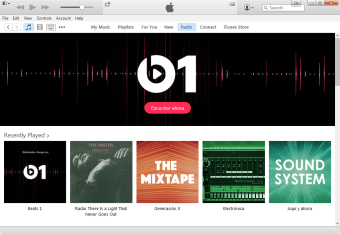
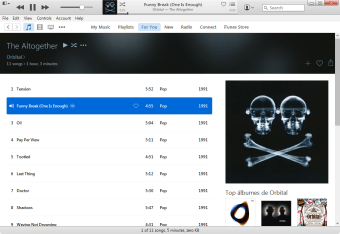
iTunes is one of the leading free media players for Mac that is widely used for its variety of features, which does more than play music. It has a sleek interface that is designed for users to be able to navigate easily without needing assistance. For a streamlined listening experience, it also allows music and other media downloads without the need for a third-party app.
Top Recommended Alternative

For interested or first-time users, iTunes offers a risk-free trial for Apple Music, allowing you to experience the platform fully, without any commitment. If it’s not your cup of tea as it’s no Spotify or YouTube Music, you’re free to cancel anytime.
A familiar face
One of the good things about iTunes is that despite its many changes with each update, the interface never really strays much from its original design. The familiarity gives its users an easy time to adjust to the new additions and minor tweaks. There is no need to worry about suddenly not being able to find or access certain functionalities of the media player because everything is still laid out neatly.
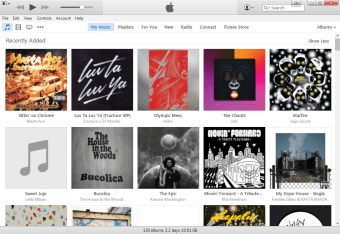
It also continues to give priority to its music library, which is what it was originally made for before being able to house movies, TV shows, and other multimedia. Managing your music library is simple and easy because the app sorts your music according to artists, albums, song titles, and genres. The same goes for creating and managing playlists, although different playlists across various devices may tend to overwrite each other.
Revolutionizing the entertainment sphere, the media player catalyzes and streamlines the way users consume content. The inception of Apple Music, Apple TV+, and Apple Podcasts on Mac has further amplified this transformation, as these apps pull from the users’ library, ensuring the availability of content right away. Furthermore, the app adds a layer of security by enabling users to back up, restore, and sync their devices directly to their Mac.
May soon face user extinction
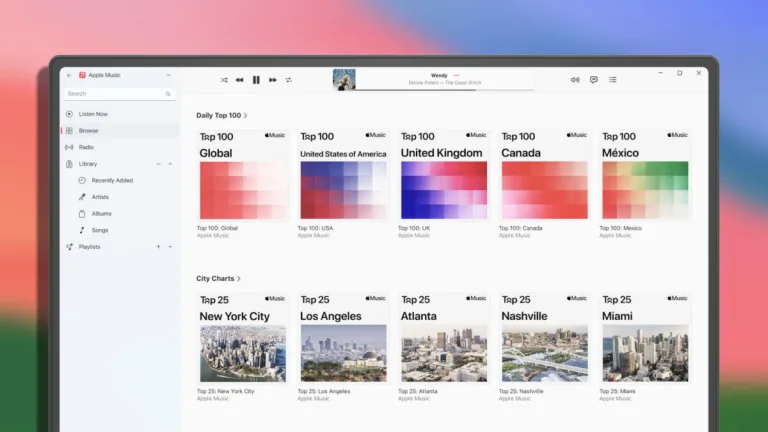
With Apple releasing new apps for desktop users, iTunes may suffer from a lack of use. The tech giant has rolled out three dedicated apps to streamline the experience: Apple Devices, which optimizes device management and backup; Apple Music, which offers AirPlay support and seamless personal music library control; and Apple TV, which elevates the user’s viewing experience through 4K playback, subscription services, and MLS Season Pass access. Meanwhile, for audiobooks, podcasts, or compatibility issues with the new apps, this app remains the go-to solution.
Gradual phase-out process
Just as Apple's macOS Catalina brings a major change by saying goodbye to iTunes, the tech giant is also phasing out the app on Windows by replacing it with three specialized apps—Music, TV, and Devices—tailored to handle specific functions. The Music app is designed for playing songs and albums. The TV app is for streaming movies and shows, while the Devices app handles backup, restoration, and syncing functionalities with iPhones or iPads.
For both Mac and Windows users, Apple recommends installing all three new apps together to avoid prompts to install any that are missing. Moreover, users are advised to retain iTunes during the transition, especially for podcast and audiobook access. Furthermore, the Music and TV apps rely on the existing library to operate properly and access iTunes Store purchases, so it's crucial not to delete your library folder or its content.
An all-time favorite
iTunes is a very user-friendly app. As mentioned, its interface is straightforward and organized, so users will not get lost or confused while using it. Its design does not change much over time, as well, and you can always easily find what you are looking for. Transcending the role of a traditional media player, it also offers music downloads and houses diverse multimedia content like movies, TV shows, and more.